Background: The Single-Agent Efficiency Bottleneck
Claude Code is Anthropic’s command-line AI programming assistant that works directly in your terminal — writing code, debugging, and refactoring on demand. But out of the box, Claude Code is fundamentally “single-threaded”: only one AI works at a time. On large tasks, the context window fills up, execution slows to a crawl, or the session stalls entirely.
oh-my-claudecode (OMC) was built to solve exactly that. It is a multi-agent orchestration plugin for Claude Code, shipping with 19 specialized Agents and 28 Skills. The project bills itself as “a weapon, not a tool” — the goal is to transform Claude Code from a solo operative into a coordinated strike team.
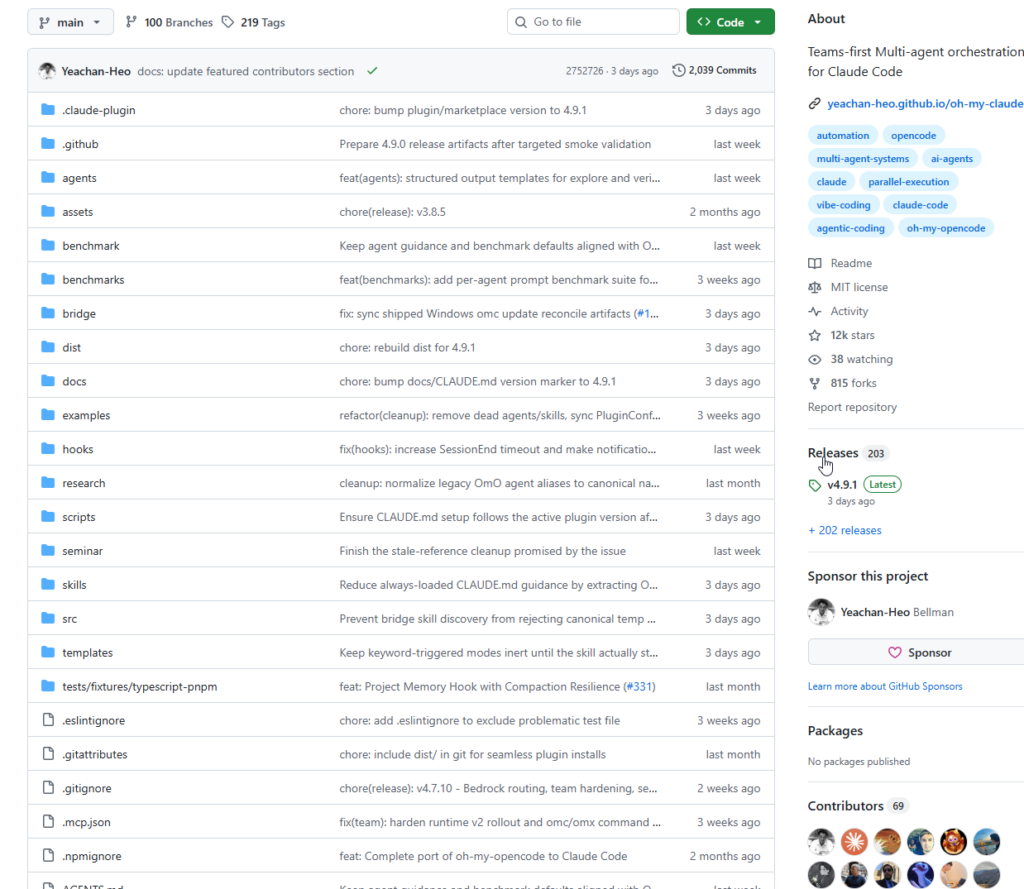
The author, Yeachan-Heo, is a quantitative trader whose side project focuses on multi-agent orchestration systems. The repository has accumulated over 10,900 GitHub Stars.
What It Is: An Orchestration Layer Built for Teams
OMC’s core idea is to build a task scheduling and collaboration framework on top of Claude Code, letting specialized Agents divide and conquer like members of a real engineering team.
Starting from v4.1.7, “Team” became OMC’s standard orchestration mechanism. Legacy entry points such as swarm remain compatible but are internally unified under the Team routing system.
Core Capabilities
Multiple execution modes for different scenarios:
- ralph mode (fully autonomous loop): Takes a high-level requirement all the way to running, tested code. Internally drives the ultrawork parallel engine and keeps going until every acceptance criterion passes — the boulder never stops rolling.
- ultrawork mode (maximum parallelism): Maximizes Agent concurrency to handle multiple subtasks simultaneously.
- deep-interview mode: Uses Socratic questioning to clarify requirements before a single line of code is written — surfaces hidden assumptions and quantifies requirement clarity.
- team mode: N coordinated Agents share a task list with real-time message synchronization.
Automatic intelligent routing — no manual Agent selection required:
Your request is dispatched automatically: “refactor the database” routes to the architect Agent, “fix the UI color” routes to the designer, “write API docs” routes to the writer. Delegation happens without you having to think about it.
Three-layer memory system:
A built-in memory mechanism retains critical project knowledge even after context compaction, so Claude never “forgets” what it learned earlier in the session.
Real-time HUD status bar:
The Claude Code status bar displays live progress on the ralph loop, current PRD story points, ultrawork state, context usage, Agent status, background tasks, and TODOs — all color-coded green/yellow/red for at-a-glance health monitoring.
omc wait rate-limit auto-recovery:
When Claude Code hits a rate limit, omc wait launches a background daemon that automatically resumes the session once the quota resets. No manual babysitting required.
How to Use It: Two Commands and You’re Ready
Installation
OMC is installed exclusively through the Claude Code plugin marketplace — global installation via npm/bun is no longer supported:
# Run inside Claude Code:
/plugin marketplace add https://github.com/Yeachan-Heo/oh-my-claudecode
/plugin install oh-my-claudecode
Then run the setup initializer:
/oh-my-claudecode:omc-setup
Workflow Examples
Scenario 1: Fuzzy requirements — start with a deep interview
/deep-interview "I want to build a task management app"
OMC asks a series of targeted questions to define the feature scope before execution begins.
Scenario 2: Clear requirements — fully autonomous delivery
/oh-my-claudecode:ralph "implement a user login module with JWT authentication"
ralph automatically creates a PRD, breaks down tasks, executes in parallel, and runs acceptance checks until everything passes.
Scenario 3: Spin up a multi-AI team (tmux worker panes)
omc team 2:codex "review auth module for security issues"
omc team 2:gemini "red-team the API design"
Scenario 4: Query multiple AI advisors and save results
omc ask claude "review this migration plan"
omc ask codex --prompt "identify architecture risks"
omc ask gemini --prompt "propose UI polish ideas"
Results are saved as Markdown artifacts under .omc/artifacts/ask/.
Scenario 5: Teach Claude to remember critical context
<remember priority>API client at src/api/client.ts</remember>
# or
/oh-my-claudecode:note Project uses PostgreSQL with Prisma ORM
These notes are loaded automatically at the start of every session and survive context compaction.
Upgrading
/plugin marketplace update omc
/omc-setup   # must re-run to refresh configuration
Summary
At its core, oh-my-claudecode upgrades Claude Code from “one AI helping you write code” to “an AI team delivering software.” The value proposition is clear:
- Conquers large, complex tasks: The ralph loop with PRD-based acceptance criteria ensures tasks are actually finished, not just “mostly done.”
- Eliminates context amnesia: The three-layer memory system persists critical knowledge across sessions.
- Eliminates waiting and rate-limit pain: The
omc waitdaemon auto-recovers without you watching the terminal. - Enables true multi-AI collaboration: The Team mechanism coordinates Claude, Codex, Gemini, and other LLMs under a unified orchestration layer.
For developers who rely heavily on Claude Code, OMC is worth a serious look. The project is iterating fast — recent releases added a built-in anti-slop workflow and OpenClaw integration — and the community ecosystem continues to grow.
Repository: https://github.com/Yeachan-Heo/oh-my-claudecode Website: https://yeachan-heo.github.io/oh-my-claudecode-website/